Kali Linux 2026.1 Release (2026 Theme & BackTrack Mode)
Table of Contents
New year, new release - Kali 2026.1 is here! There is everything from a fresh coat of paint to a nod to our roots, with normal ongoing improvements. Building on from December’s 2025.4, the summary of the changelog:
- 2026 Theme Refresh - Our yearly theme refresh
- BackTrack Mode For Kali-Undercover - New mode celebrating BackTrack’s 20th anniversary
- Kali’s 13th Birthday Event - A little community event
- New Tools - 8 new programs
2026 Theme Refresh
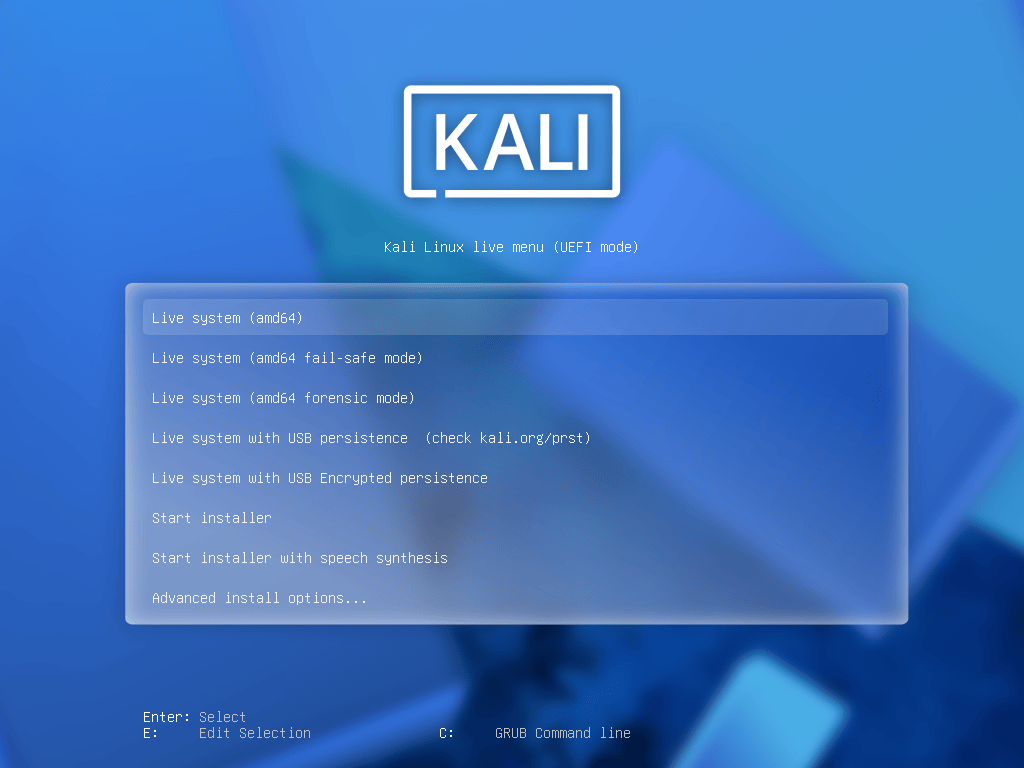
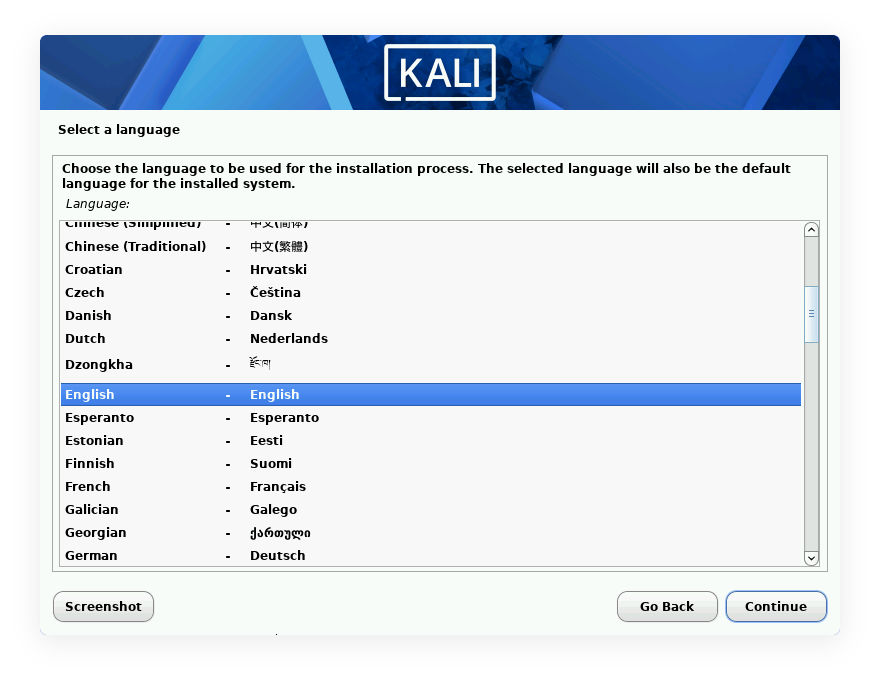
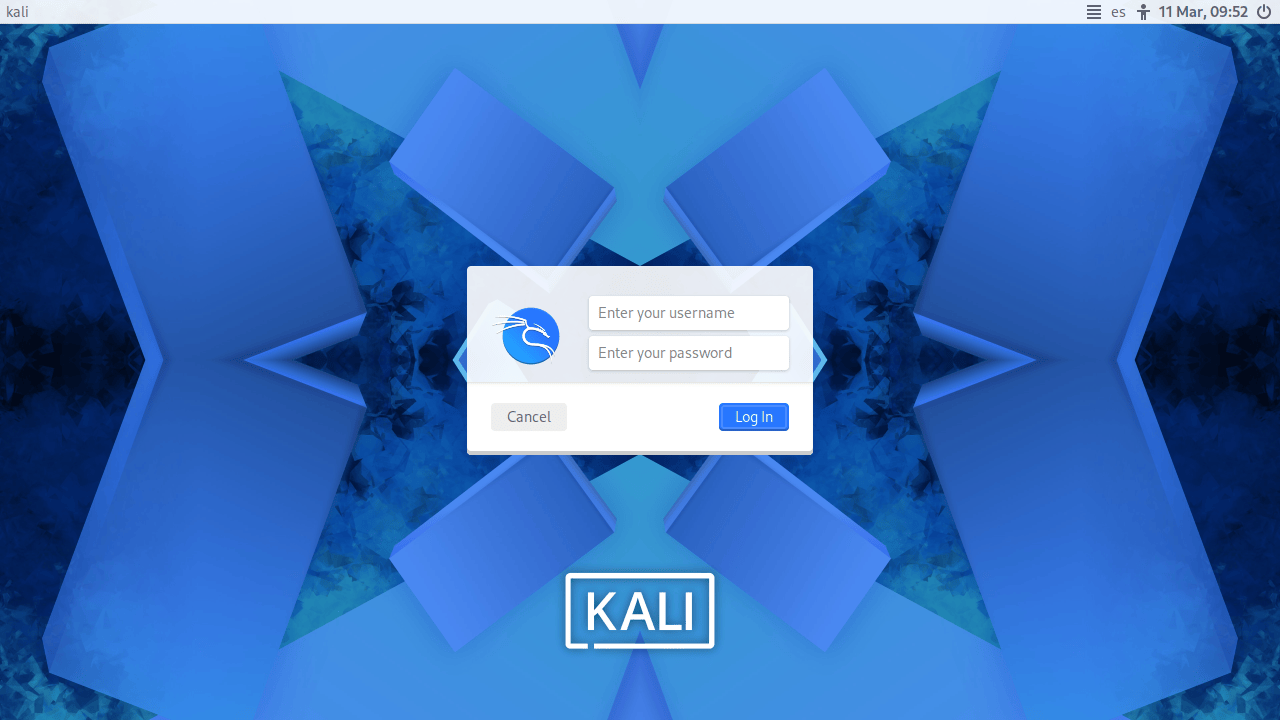
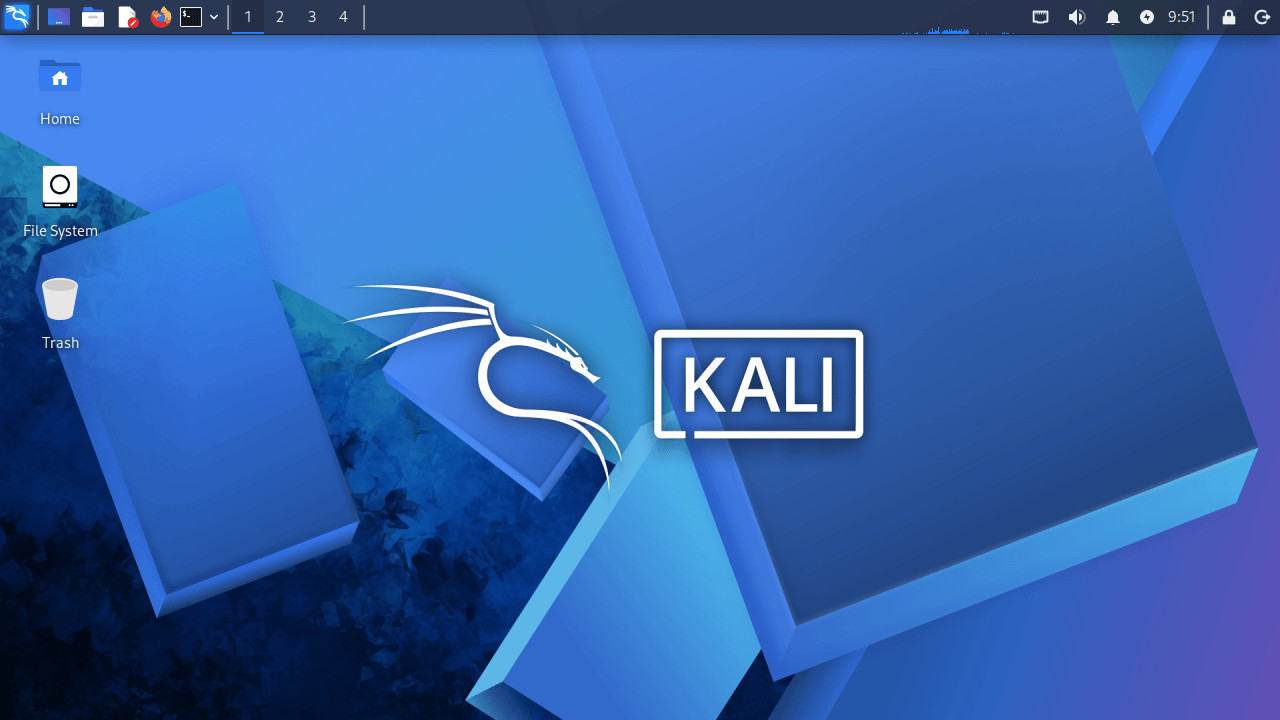
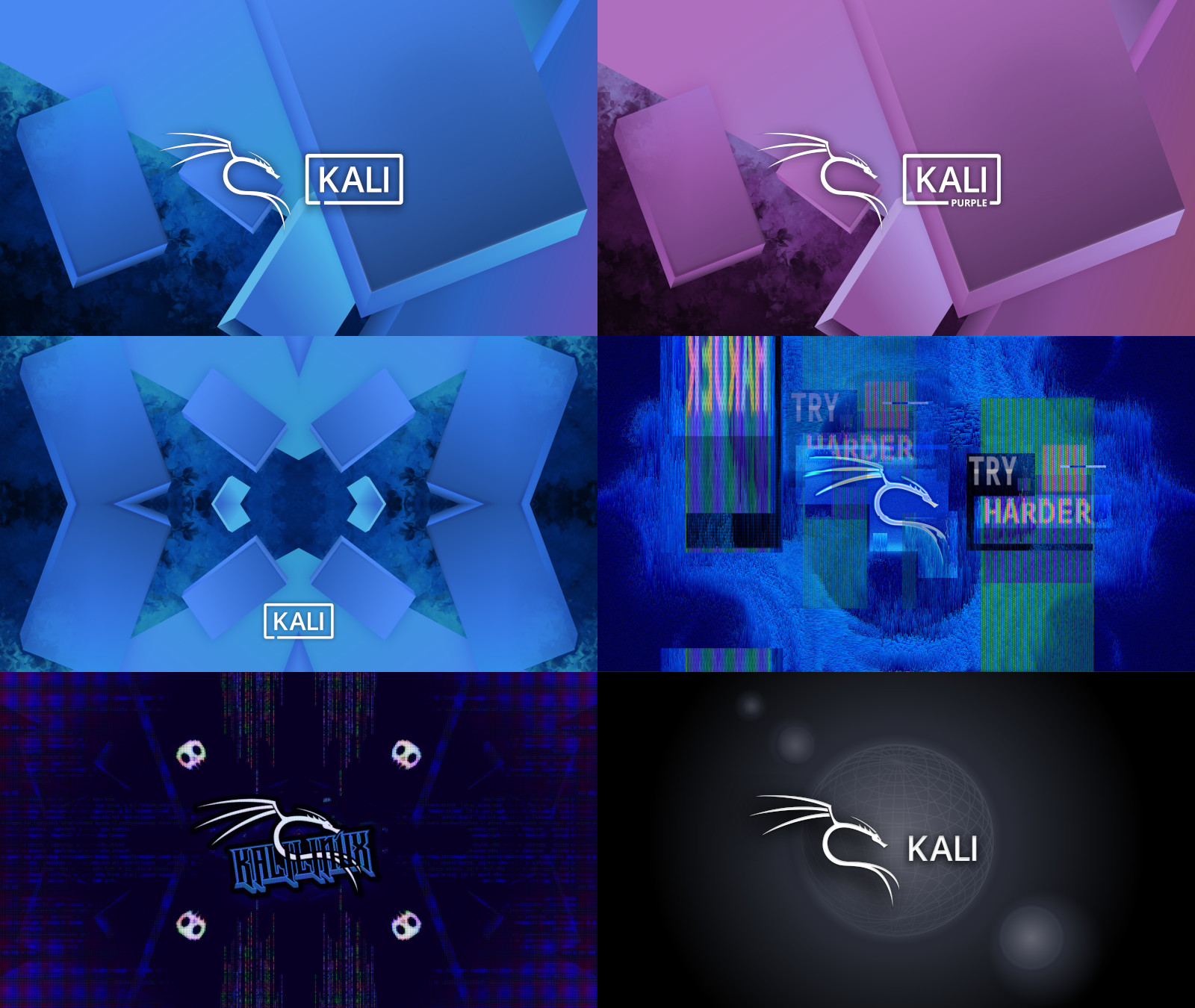
As with previous 20xx.1 releases, this major update brings our annual theme refresh, a long-standing tradition that keeps the Kali Linux interface as modern and innovative. This year’s release unveils a brand-new theme from the moment you boot. Everything from the boot menu, installer to the login display, and a fresh set of desktop wallpapers.
Boot Animation
The changes to the boot animation are subtle, but now the animation is fixed for live images, where it used to get stuck at the beginning, showing only the tail. It will also restart the loop in case the boot process takes longer, making it look smoother.
Boot Menu
Graphical Installer
Login
Desktop
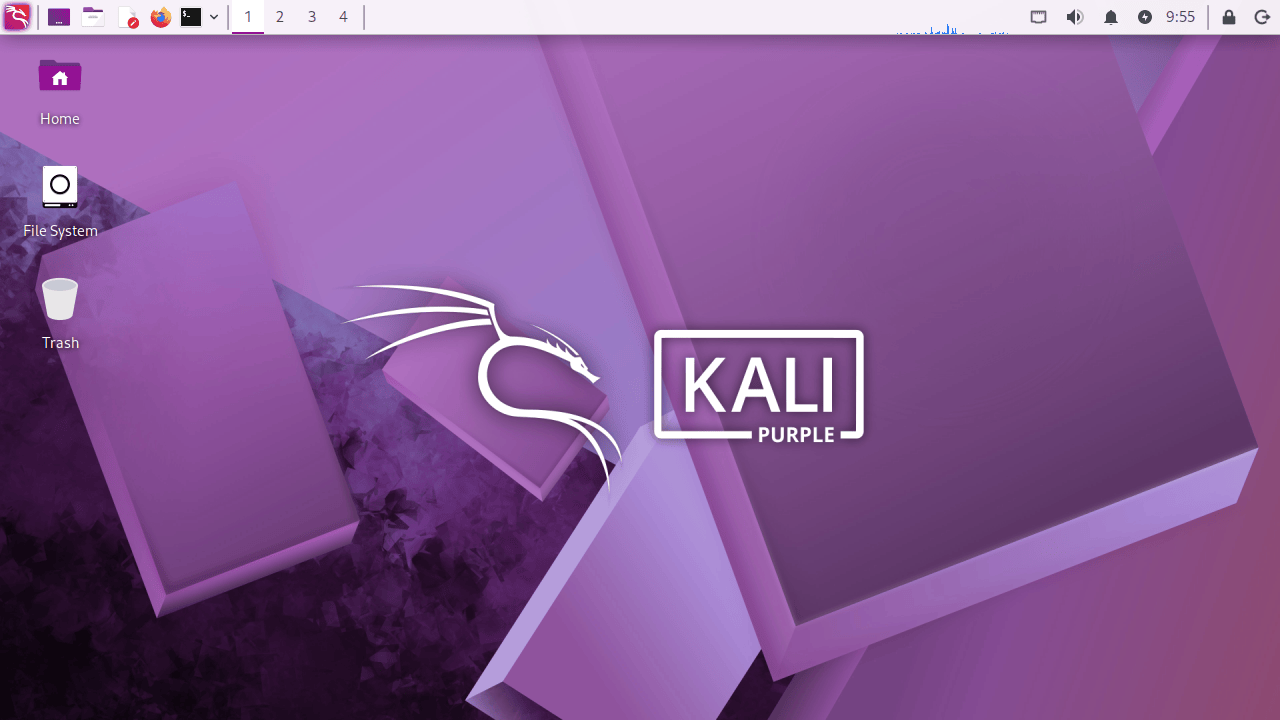
Kali Purple Desktop
New Wallpapers
BackTrack Mode For Kali-Undercover
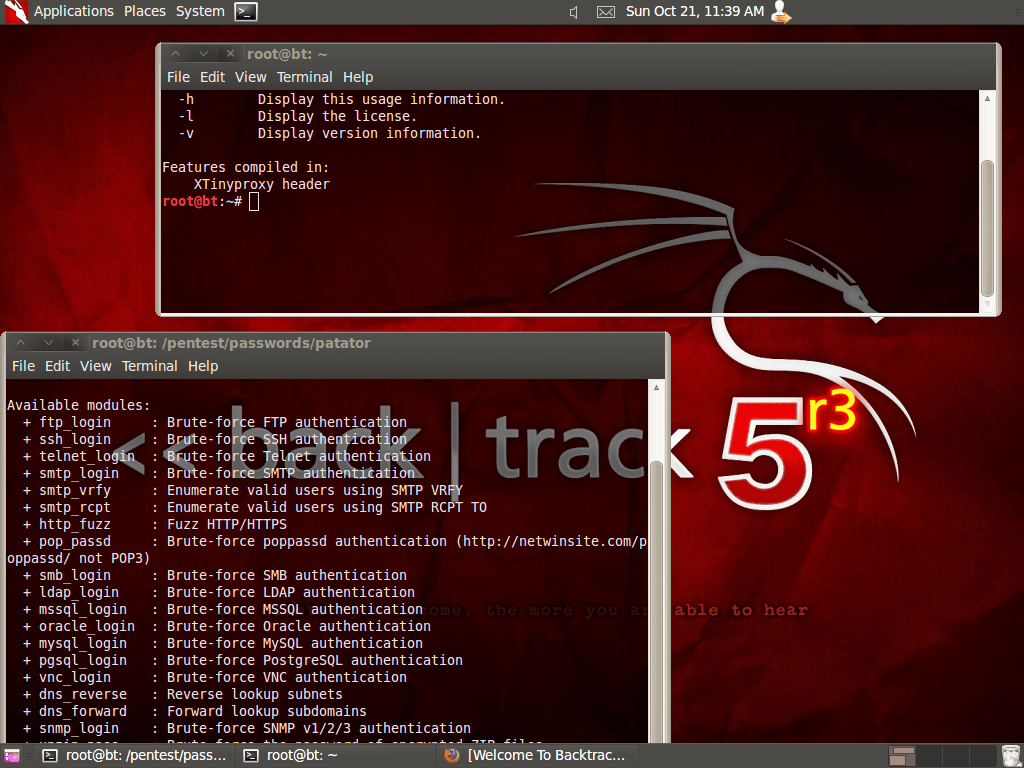
2026 marks the 20th anniversary of BackTrack Linux, the predecessor to Kali. To celebrate this milestone, we wanted to bring back some nostalgia for longtime users of this legendary cybersecurity distribution by adding a “BackTrack mode” to kali-undercover. This mode transforms the desktop to recreate the look and feel of BackTrack 5, with the same wallpaper, colors, and window themes.
You can run it directly from the menu or by running kali-undercover --backtrack in the terminal. You can switch back to the default Kali desktop (or not) by running it again.
Here is a screenshot of BackTrack 5, so you can compare it with our theme:
Kali’s 13th Birthday Event
Kali recently had our 13th birthday. To celebrate this, our discord had a little event and prize give away to mark the occasion. Shout-out to the people who managed to solve it already:
- @AI Program
- @Arszilla
- @UltraStrawberryDream
Even though the top 3 places and prizes have been claimed, we will keep it open for a little longer. To help you get started, Kali is always getting new tools, it can take some patience to learn about each of them.
The Quieter You Become, The More You Are Able To Hear
Thanks to @BeamOfOldLight and @cr4mb0 from the DAFreqs for creating the puzzles!
New Tools in Kali
It would not be a Kali release without some new tools! Here is a quick rundown of the 8 new tools which have been added (to the network repositories):
- AdaptixC2 - Extensible post-exploitation and adversarial emulation framework
- Atomic-Operator - Execute Atomic Red Team tests across multiple operating system environments
- Fluxion - Security auditing and social-engineering research tool
- GEF - Modern experience for GDB with advanced debugging capabilities
- MetasploitMCP - MCP server for Metasploit
- SSTImap - Automatic SSTI detection tool with interactive interface
- WPProbe - Fast WordPress plugin enumeration tool
- XSStrike - Advanced XSS scanner
There have been a total of 25 new packages, 9 removed, and 183 updates. On top of that, we also bump the Kali kernel to 6.18.
Known Issues
Bad news for users of the kali-tools-sdr metapackage (aka. Software Defined Radio): the GNU Radio ecosystem is not in great shape in this release. Tools like gr-air-modes or gqrx-sdr are known to be broken. Maybe other related tools as well. We expect it to be fixed in the next release though, so no need to panic!
Kali NetHunter Updates
We are starting this year fresh with some cleaning, providing improvements to the Kali NetHunter app, such as the WPS scan bug, HID permission check, or the back button issue.
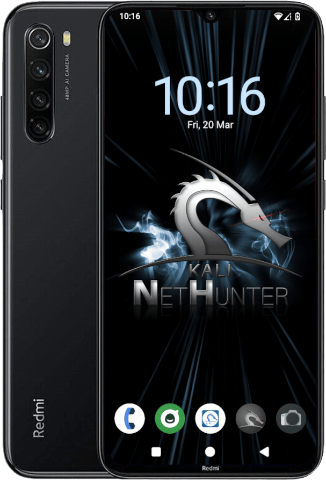
Redmi Note 8 (Ginkgo)
The Redmi Note 8 now has a new kernel for Android 16 by @ikteach.
Wardriving with Samsung S10
The Samsung S10 series are now even happier thanks to @Quazi Anwar, his patch of libnexmonkali fixes the use of internal wireless firmware in Kali chroot. That means reaver, bully, and even kismet is finally working!
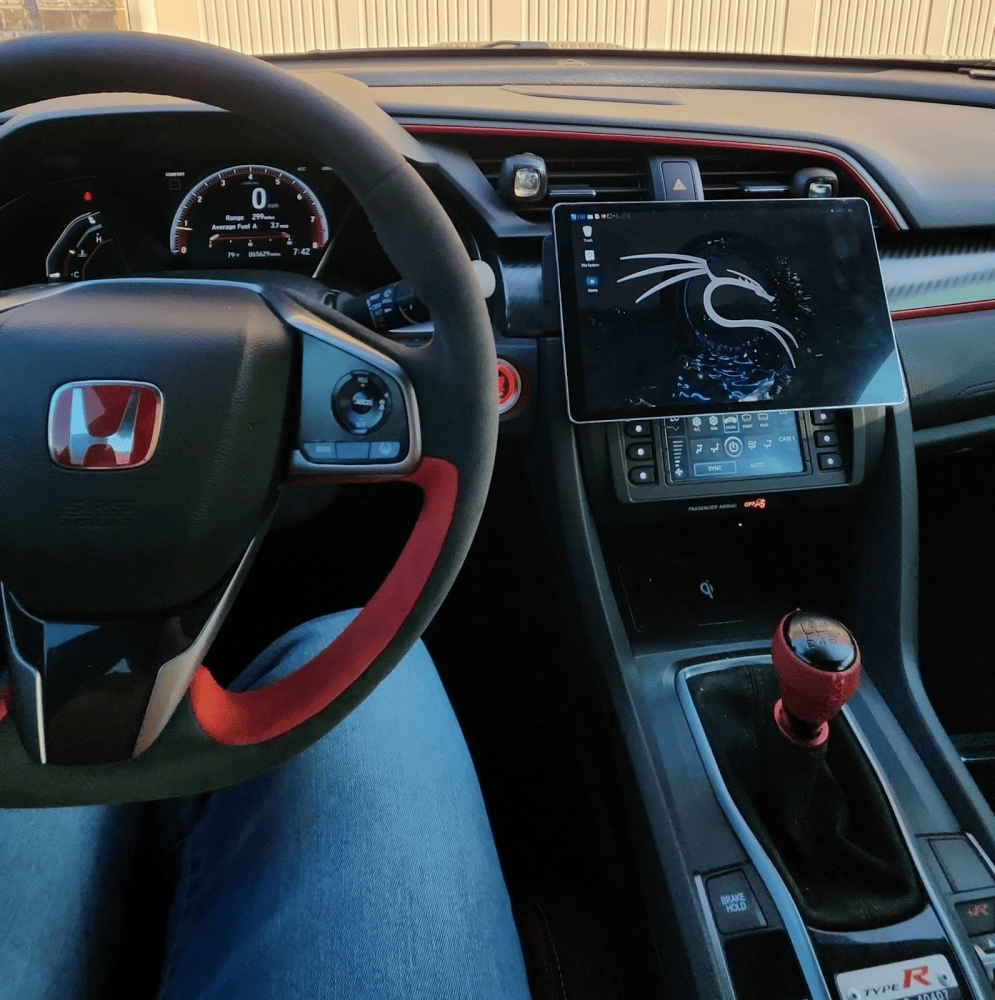
KITT is alive and he is hacking all the things!
Kristopher Wilson has turned his Civic Type-R into a pentesting tool using Kali NetHunter rootless on 4 wheels.
And if AI is your thing, you can read what he is done using that.
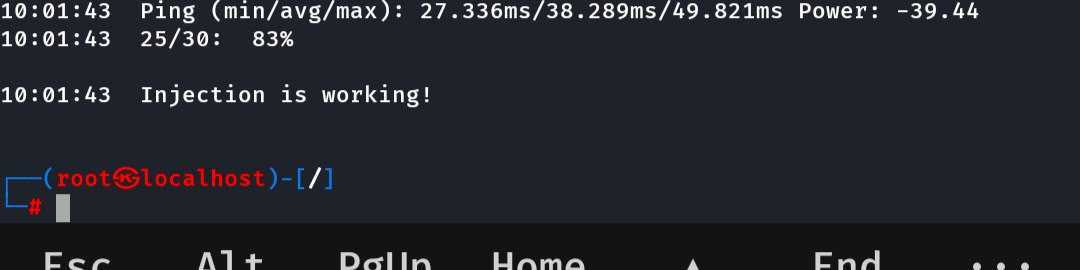
Wireless Injection on QCACLD-3.0
Drumroll - the first working patch for injection is landed by @Loukious after several years! That will potentially unlock the ability to port the patch to most of phones that use Qualcomm chipsets. If you would like to try it on your kernel source, you can find the commit here.
Kali NetHunter Podcast - Nexmon Team
Meet the Nexmon team! The masters behind wireless injection on internal chipsets. If you ever wondered who are they, and how they started working on firmware reversing, @yesimxev had a great talk on episode 2 with @Matthias Schulz and @Jakob Link. We appreciate them for coming onto their first podcast ever! The session is also available on Spotify if you want to listen on the go.
Kali Blog Recap
Since our last release, we have published the following blog posts:
- Kali & LLM: macOS with Claude Desktop & Anthropic Sonnet LLM
- Kali & LLM: Completely local with Ollama & 5ire
Community Shout-Outs
These are members of the community who have supported Kali and the team throughout the last release. We want to recognize and thank them for their contributions (we believe in giving credit where it is due!):
Packaging:
- @Arszilla who has been helping with kali-meta and netexec
- @Giovanni Terranova who has been helping with legion
- @Jürgen who has been helping with mcp-kali-server
- @Shubham Vishwakarma who has been helping with kali-meta
Kali Documentation:
Anyone and everyone is welcomed to get involved!
@Tristram has a few words they would like to say:
As a defender, my role centers on protecting organizations, strengthening systems, and continuously identifying opportunities for improvement. But effective security is not built by defenders alone. It is shaped through the combined efforts of both blue teamers and penetration testers, each bringing a different perspective to the same mission. Where one side looks to defend, the other works to challenge, expose gaps, and ultimately make those defenses stronger.
That relationship is critical. Penetration testers help uncover weaknesses before adversaries do, while defenders take those insights and turn them into actionable improvements. When that exchange is rooted in respect and a shared purpose, it creates a feedback loop that benefits the entire cybersecurity ecosystem. The result is not just better tools or processes, but a more resilient and adaptive security posture.
With that in mind, I want to call out @Aura and @Greenjam for their contributions to the Kali Linux Community. Their work represents the best of what this collaboration should look like. Through their willingness to share knowledge, support others, and contribute meaningfully to the community, they help bridge the gap between offensive and defensive security in a way that strengthens both sides.
In a field that is constantly evolving, it is this kind of collaboration and mindset that makes the difference. Whether you are on the blue team or working in an offensive role, we are all working toward the same goal. Contributions like theirs help ensure that we continue to learn from one another, improve together, and build a stronger, more unified cybersecurity community.
With love,
Tristram
New Kali Mirrors
We welcomed 4 new mirrors during this release cycle:
- Azerbaijan: mirror.yer.az, sponsored by YER Hosting.
- China: mirrors.qlu.edu.cn, sponsored by the Qilu University of Technology and thanks to 刘正阳.
- South Korea: mirror.wane.kr, thanks to “@parkard” and “@kmw”.
- Spain: mirror.raiolanetworks.com, sponsored by Raiola Networks and thanks to @Martin Gomez.
If you have the disk space and bandwidth, we always welcome new mirrors.
Get Kali Linux 2026.1
Fresh Images: So what are you waiting for? Go get Kali already!
Seasoned Kali Linux users are already aware of this, but for those who are not, we also produce weekly builds that you can use. If you cannot wait for our next release and you want the latest packages (or bug fixes) when you download the image, you can just use the weekly image instead. This way you will have fewer updates to do. Just know that these are automated builds that we do, not QA like we do for our standard release images. But we gladly take bug reports about those images because we want any issues to be fixed before our next release!
Existing Installs: If you already have an existing Kali Linux installation, remember you can always do a quick update:
┌──(kali㉿kali)-[~]
└─$ echo "deb http://http.kali.org/kali kali-rolling main contrib non-free non-free-firmware" | sudo tee /etc/apt/sources.list
[...]

┌──(kali㉿kali)-[~]
└─$ sudo apt update && sudo apt -y full-upgrade
[...]

┌──(kali㉿kali)-[~]
└─$ cp -vrbi /etc/skel/. ~/
[...]

┌──(kali㉿kali)-[~]
└─$ [ -f /var/run/reboot-required ] && sudo reboot -f
You should now be on Kali Linux 2026.1. We can do a quick check by doing:
┌──(kali㉿kali)-[~]
└─$ grep VERSION /etc/os-release
VERSION="2026.1"
VERSION_ID="2026.1"
VERSION_CODENAME="kali-rolling"

┌──(kali㉿kali)-[~]
└─$ uname -v
#1 SMP PREEMPT_DYNAMIC Kali 6.18.12-1kali1 (2026-02-25)

┌──(kali㉿kali)-[~]
└─$ uname -r
6.18.12+kali-amd64
NOTE: The output of uname -r may be different depending on the system architecture.
As always, should you come across any bugs in Kali, please submit a report on our bug tracker. We will never be able to fix what we do not know is broken! And Social networks are not bug trackers!
Want to keep up-to-date easier? We’ve got you!