Installing NetHunter on the Xiaomi Mi A2
Table of Contents
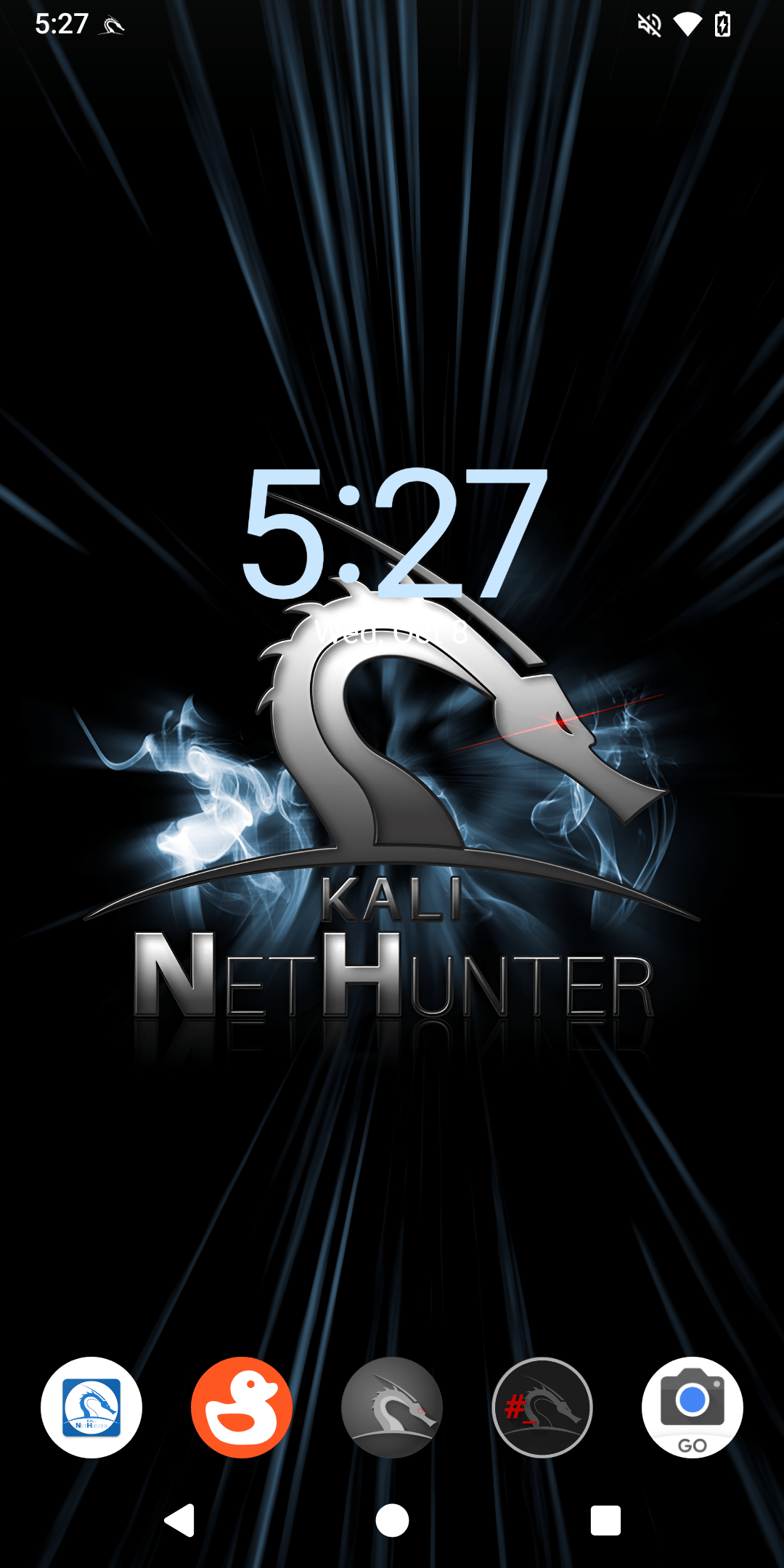
From unpacking to running NetHunter in 5 steps:
- Installing adb and fastboot
- Unlock Bootloader
- Flash PixelExperience Recovery and setup for LineageOS
- Flash LineageOS 22.1 and Magisk 27
- Install NetHunter
1. Installing adb and fastboot
kali@kali:~$ sudo apt update
[...]
kali@kali:~$ sudo apt install adb fastboot
[...]
kali@kali:~$
2. Unlock Bootloader
- Go to Settings -> About Phone then tap 7 times on “Build number” to enable “Developer options”
- Go to Settings -> System -> Developer options and tap “OEM unlocking” then turn off device
- Hold Volume Down and Power Buttons till you see “FASTBOOT” screen now plug device to PC
- Open terminal and run
fastboot flashing unlockand hold Volume Down then wait until “FASTBOOT” come back now runfastboot flashing unlock_criticalif FASTBOOT screen will not appear after first command just repeat Step 3 after phone boot and usefastboot flashing unlock_critical - After reboot u should see “Unlocked” on boot screen
3. Flash PixelExperience Recovery and setup for LineageOS
- Download PixelExperience_jasmine_sprout-13.0-20231128-0727-OFFICIAL.img
- Reboot device holding Volume Down till “FASTBOOT” screen appear and connect it to PC
- Now open terminal and cd to directory where you downloaded
PixelExperience_jasmine_sprout-13.0-20231128-0727-OFFICIAL.imgand flash recovery like below
kali@kali:~$ cd Downloads/
[...]
kali@kali:~/Downloads$ fastboot flash boot_a PixelExperience_jasmine_sprout-13.0-20231128-0727-OFFICIAL.img
[...]
kali@kali:~/Downloads$ fastboot flash boot_b PixelExperience_jasmine_sprout-13.0-20231128-0727-OFFICIAL.img
[...]
kali@kali:~/Downloads$
- To reboot device to flashed recovery run
fastboot rebootand hold Volume Up button until you see “RECOVERY” screen - Download the copy-partitions-20210323_1922.zip
- On the device, select “Apply Update”, then “Apply from ADB” to begin sideload.
- Now use
adb sideload copy-partitions-20210323_1922.zip - Then reboot to recovery by tapping “Advanced”, then “Reboot to recovery”
- Go to “Advanced” -> “Enter fastboot”
- Download super_empty.img
- And then in fastbootd [NOT FASTBOOT/BOOTLOADER] use
fastboot wipe-super super_empty.imgon pc - Now again reboot to recovery by tapping “Advanced”, then “Reboot to recovery”
4. Flash LineageOS 22.1 and Magisk 27
- Tap “Apply update” then tap “Apply from ADB”
- Download LineageOS-22.1-jasmine-sprout.zip
- Flash LineageOS 22.1
kali@kali:~/Downloads$ adb devices
* daemon not running; starting now at tcp:5037
* daemon started successfully
List of devices attached
dea044c9    sideload

kali@kali:~/Downloads$ adb sideload LineageOS-22.1-jasmine-sprout.zip
[...]
kali@kali:~/Downloads$
- Now wait for LineageOS to install if some error appear just tap “Yes”
- When it is installed tap “Reboot system now”
- Now setup your device like any android phone
- When you finished setting up your device reboot it and hold Volume Up
- If you see “RECOVERY” screen tap “Apply update” -> “Apply from ADB”
- Download Magisk-v27.apk
- Flash Magisk
kali@kali:~/Downloads$ adb devices
dea044c9    sideload

kali@kali:~/Downloads$ adb sideload Magisk-v27.apk
[...]
kali@kali:~/Downloads$
- Reboot Device and open newly installed app “Magisk” and setup it with instructions on screen
5. Install NetHunter
- Download kali-nethunter-2026.1-jasmine-sprout-los-fifteen-full.zip
- Copy it from PC to device
- Open Magisk app, Modules -> Install from storage and select “kali-nethunter-2026.1-jasmine-sprout-los-fifteen-full.zip”
- Then wait for installation to end, now tap “Reboot System”
- When phone starts you will see Kali Bootanimation
Enjoy Kali NetHunter on the Xiaomi Mi A2
Please help with the development by submitting issues and pull requests. We much appreciate it.
Troubleshooting
Broken SSH
- Use
ssh-keygen -Ain nethunter terminal
Broken APT
- Use
echo 'APT::Sandbox::User "root";' > /etc/apt/apt.conf.d/01-android-nosandboxin nethunter terminal - Use
groupadd -g 3003 aid_inet && usermod -G nogroup -g aid_inet _aptin nethunter terminal Credit: yesimxev
Broken Ctrl+C
Happens on newer Magisk Version so use 27
Updated on: 2026-Jan-20
Author:
mr00k3