Tool Documentation:
Screenshots
guymager
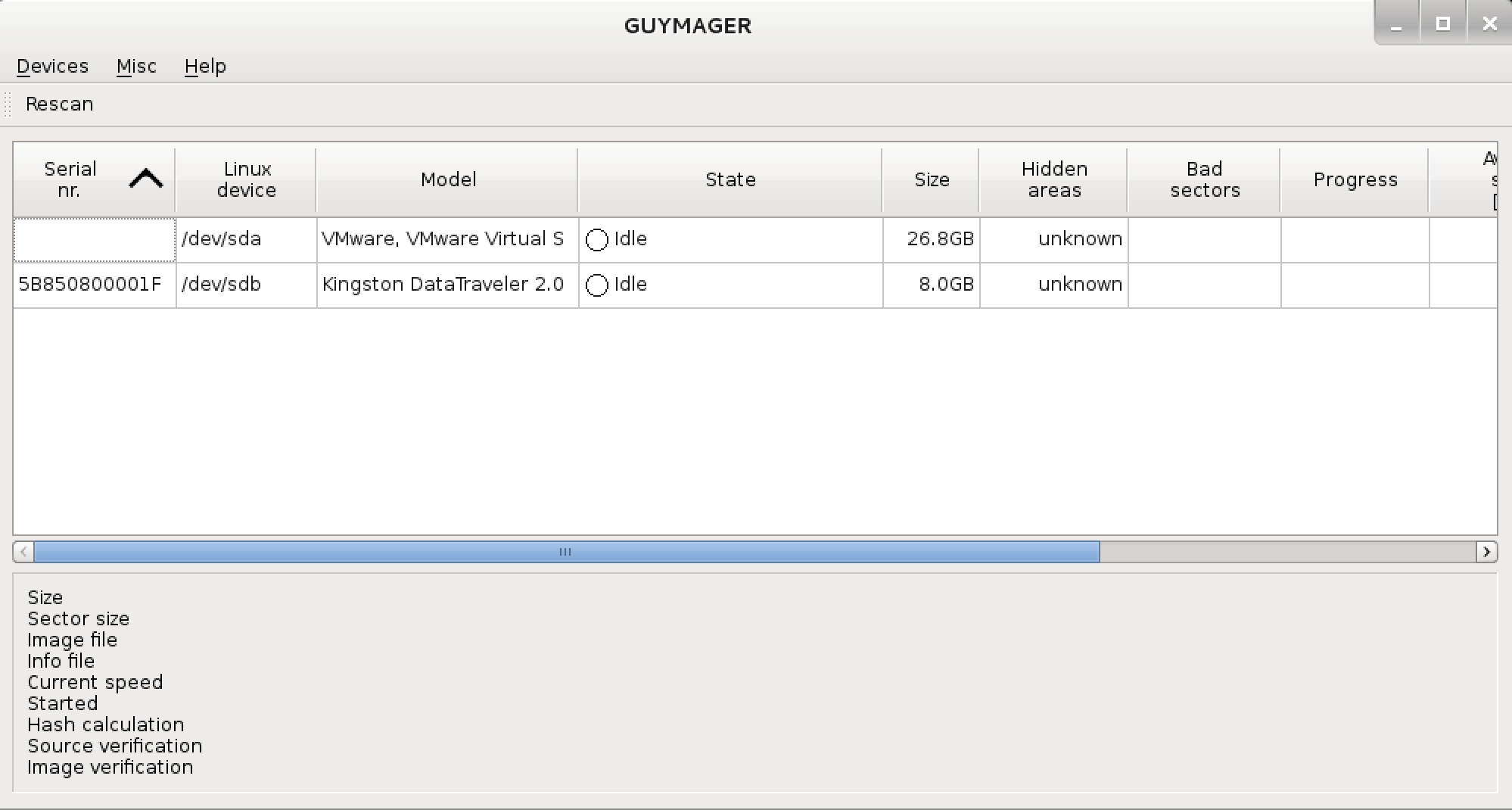
Packages and Binaries:
guymager
Forensic imaging tool based on Qt
The forensic imager contained in this package, guymager, was designed to
support different image file formats, to be most user-friendly and to run
really fast. It has a high speed multi-threaded engine using parallel
compression for best performance on multi-processor and hyper-threading
machines.
Installed size: 1.02 MB
How to install: sudo apt install guymager
Dependencies:
- hdparm
- libc6
- libewf2
- libgcc-s1
- libguytools2t64
- libparted0 | libparted
- libqt5core5t64
- libqt5dbus5t64
- libqt5gui5t64 | libqt5gui5-gles
- libqt5widgets5t64
- libstdc++6
- smartmontools
- zlib1g
guymager
A forensic acquisition program
root@kali:~# man guymager
guymager(1)                 General Commands Manual                 guymager(1)

0.8.13-1" "guymager manual pages"

NAME
     guymager - a forensic acquisition program

SYNOPSIS
     guymager [log=log_file] [cfg=configuration_file] [options]

DESCRIPTION
     Guymager  is  a Qt-based forensic imager. It is capable of producing image
     files in EWF, AFF and dd format. Its main strenghs are the easy  user  in-
     terface, the high imaging speed and the extended acquisition info file.

     The internal structure is based on separate threads for reading, hash cal-
     culation (MD5 and SHA256), writing and includes a parallelised compression
     engine,  thus making full usage of multi-processor and hyper-threading ma-
     chines.

     Guymager should be run with root privileges, as other users  do  not  have
     access to physical devices normally.

OPTIONS
     log=log_file
            By  default,  guymager  uses /var/log/guymager.log as its log file.
            This option allows for specifying a different file.

     cfg=configuration_file
            The default configuration file is /etc/guymager/guymager.cfg.  This
            option  allows  for specifying a different file. Guymager creates a
            template configuration file when the  option  -cfg=template.cfg  is
            given.

     All  other  configuration  options  may  be  specified on the command line
     and/or in the configuration file. See /etc/guymager/guymager.cfg for a de-
     scription of all possible options. In case an option is specified  in  the
     configuration file and on the command line, the command line dominates.

EXIT CODES
     Guymager normally returns an exit code of 0. Exit code 1 means that Guy-
     mager terminated because the AutoExit function became active. All other
     exit codes are related to internal Guymager or Qt errors.

EXAMPLES
     Write all log entries to ./my.log:
            guymager log=my.log

     Create a template configuration file
            guymager cfg=template.cfg

     Read the configuration from my.cfg and use 4 threads for parallelised com-
     pression:
            guymager cfg=my.cfg CompressionThreads=4

     See /etc/guymager/guymager.cfg for details about option CompressionThreads
     and all other options as well.

AUTHOR
     Guy Voncken (develop (at) faert.net)

version 0.8.13-3                   2026-02-28                       guymager(1)
Updated on: 2026-May-25